The big picture
A disk.
Less mystery.
See capacity, free space and cleanup estimates in one overview.

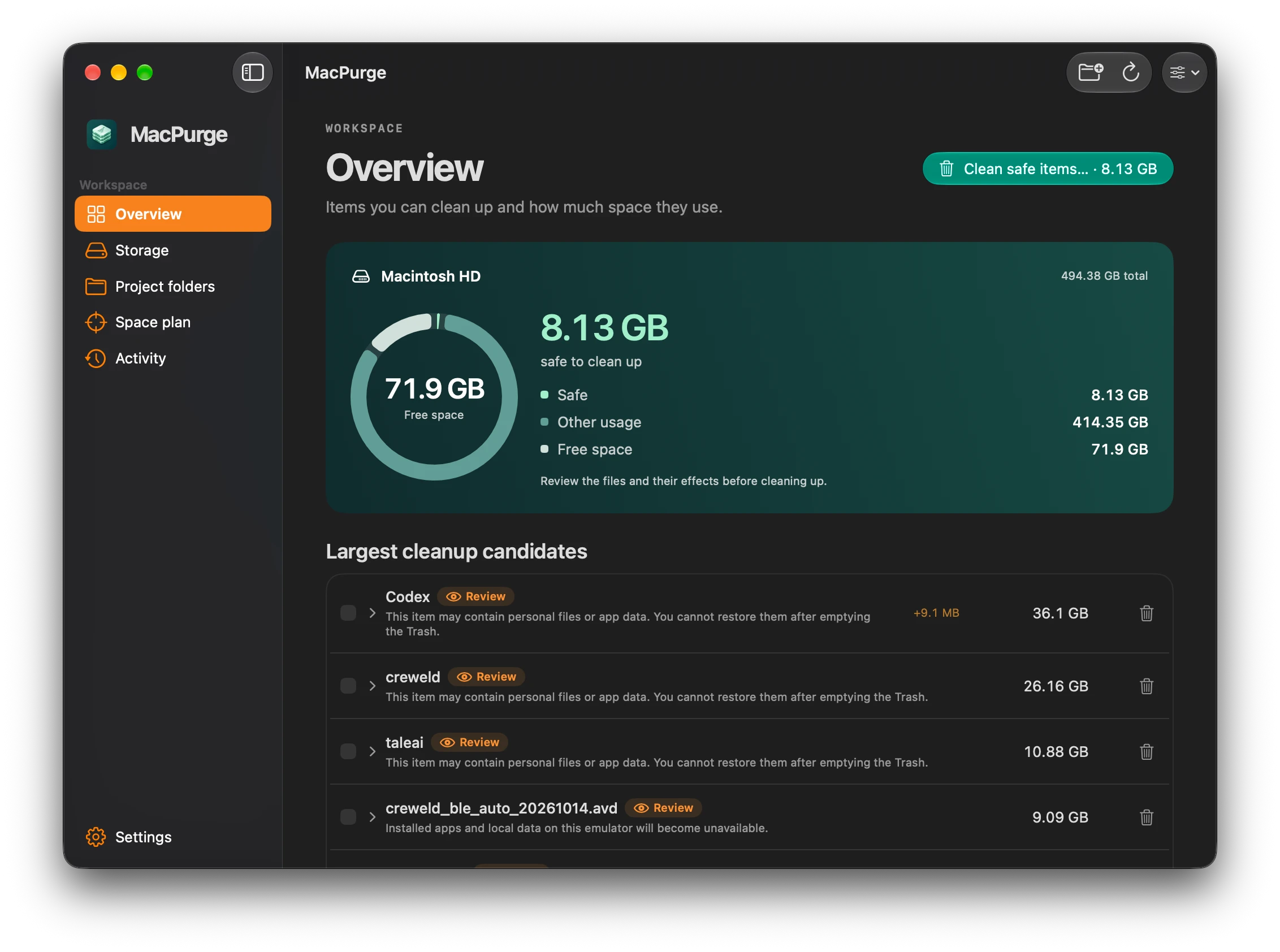
A native Mac storage workspace
See what’s taking up space. Explore caches and project folders, review your options, and choose what goes. All in one clear workspace.
Apple Silicon + Intel · macOS 14+
Your files. Your decision. Review before cleanup.
A clearer picture. A little more space.
The big picture
See capacity, free space and cleanup estimates in one overview.
Project folders
Find supported build outputs and dependencies in the project roots you choose.
Choose with context
Safe and Review labels explain the difference between recreatable files and items that need a closer look.
A considered cleanup
Review supported file removals before they go to the Trash. Find their restore records in Activity.
A plan for your space
Set a cleanup goal and inspect the proposal. See when available actions can’t reach your target.
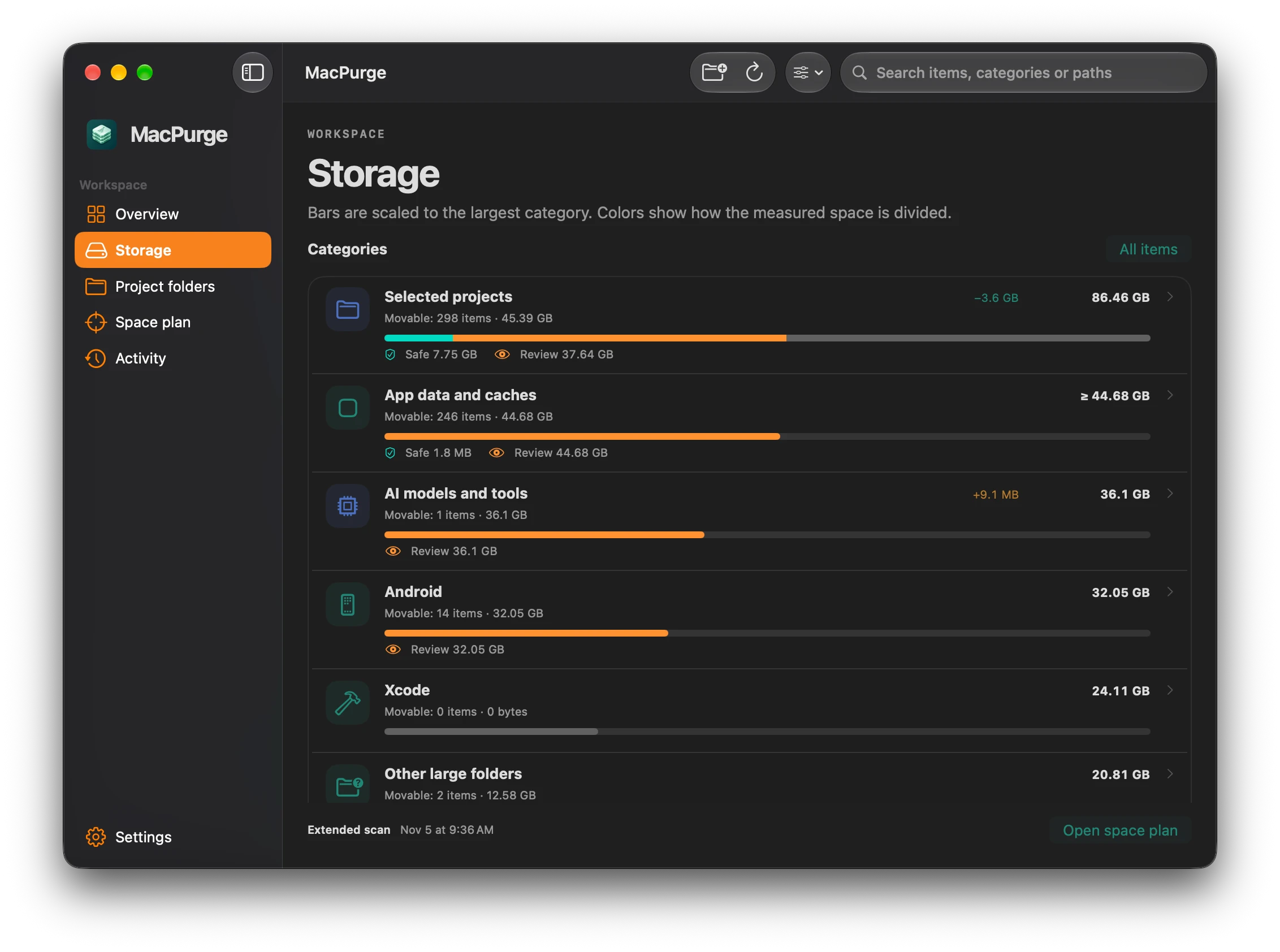
From the big picture to the details
Explore your storage by category. See what was measured, what changed, and which items need a closer look before you clean up.
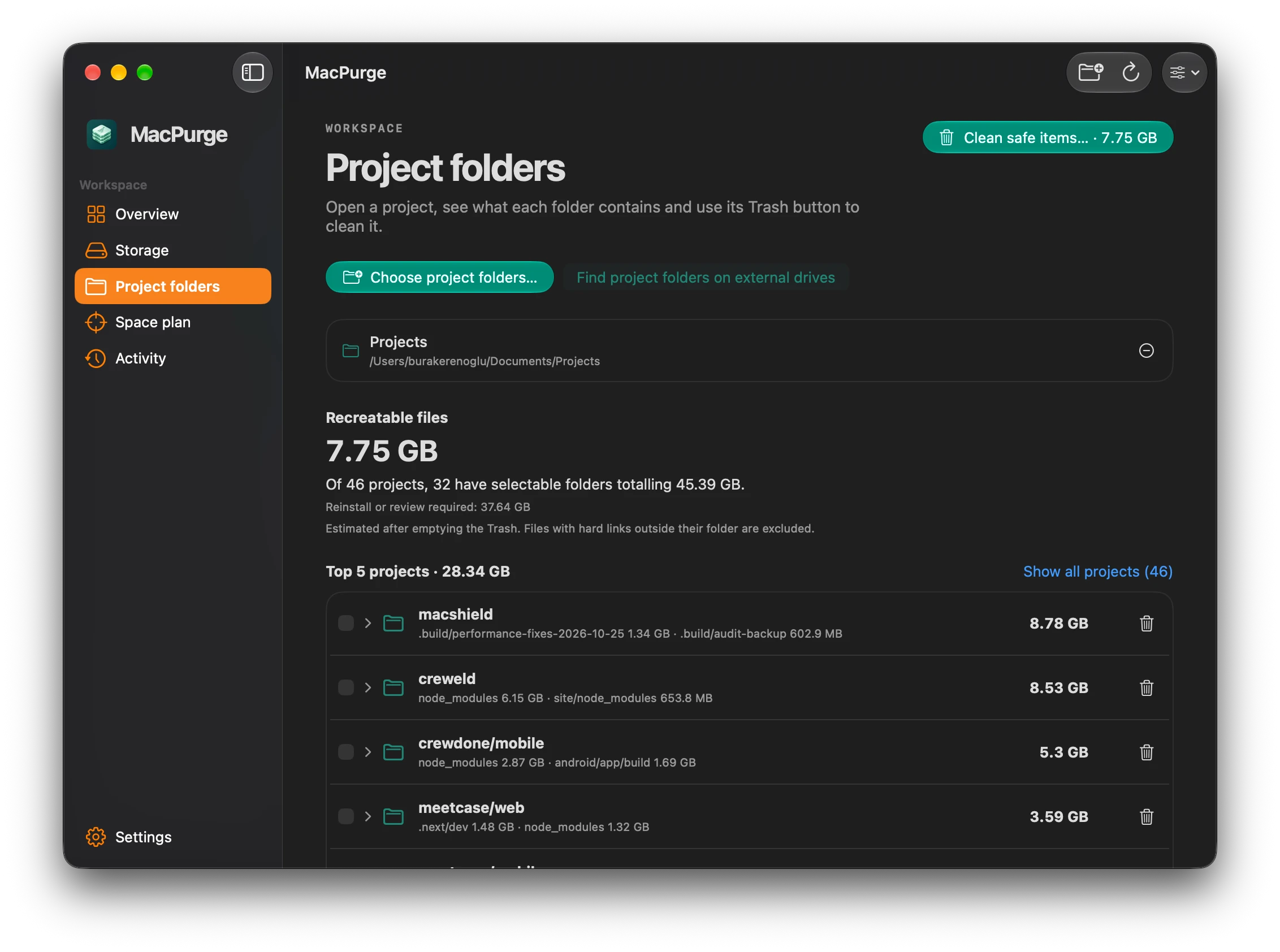
Made for the projects you build
Choose your project folders and inspect supported build outputs and dependencies. Understand what can be recreated, and what needs reinstalling or a closer review.
A few useful answers
MacPurge supports Apple Silicon and Intel Macs running macOS 14 or later. The same universal download works on both.
MacPurge inventories supported app data, caches, developer tools, AI models, Android data and selected project folders. Quick scans cover known locations; extended scans provide broader coverage. A measured folder is not necessarily an item that can be cleaned up.
Safe identifies supported cleanup candidates assessed as recreatable, such as verified build outputs and caches. Review items can include personal files, installed tools or app data. Read each item’s explanation and cleanup preview before choosing an action. Some locations are information-only or managed by macOS or another tool.
No. Trashed files continue to occupy disk space until the Trash is emptied. MacPurge shows estimated reclaimable space separately from measured folder size and your disk’s current free space.
Supported file removals move files to the Trash and create restore records in Activity. Restore options depend on the files still being available in the Trash. Tool-specific permanent operations have a separate confirmation and cannot be restored from the Trash.
Scan history and restore journals are stored locally on your Mac. You can choose to keep scan records for 30 days, 90 days or forever. Restore records are retained separately. Update checks and downloads contact GitHub.
Apple Silicon + Intel · macOS 14+